The Hidden Dangers of Public WiFi: How Hackers Steal Your Data at Coffee Shops and Airports!
Free public WiFi at cafes, airports, and hotels exposes your data to cybercriminals. Man-in-the-Middle attacks, malware, and session hijacking are real threats. Learn how to protect yourself when using unsecured networks in 2026.
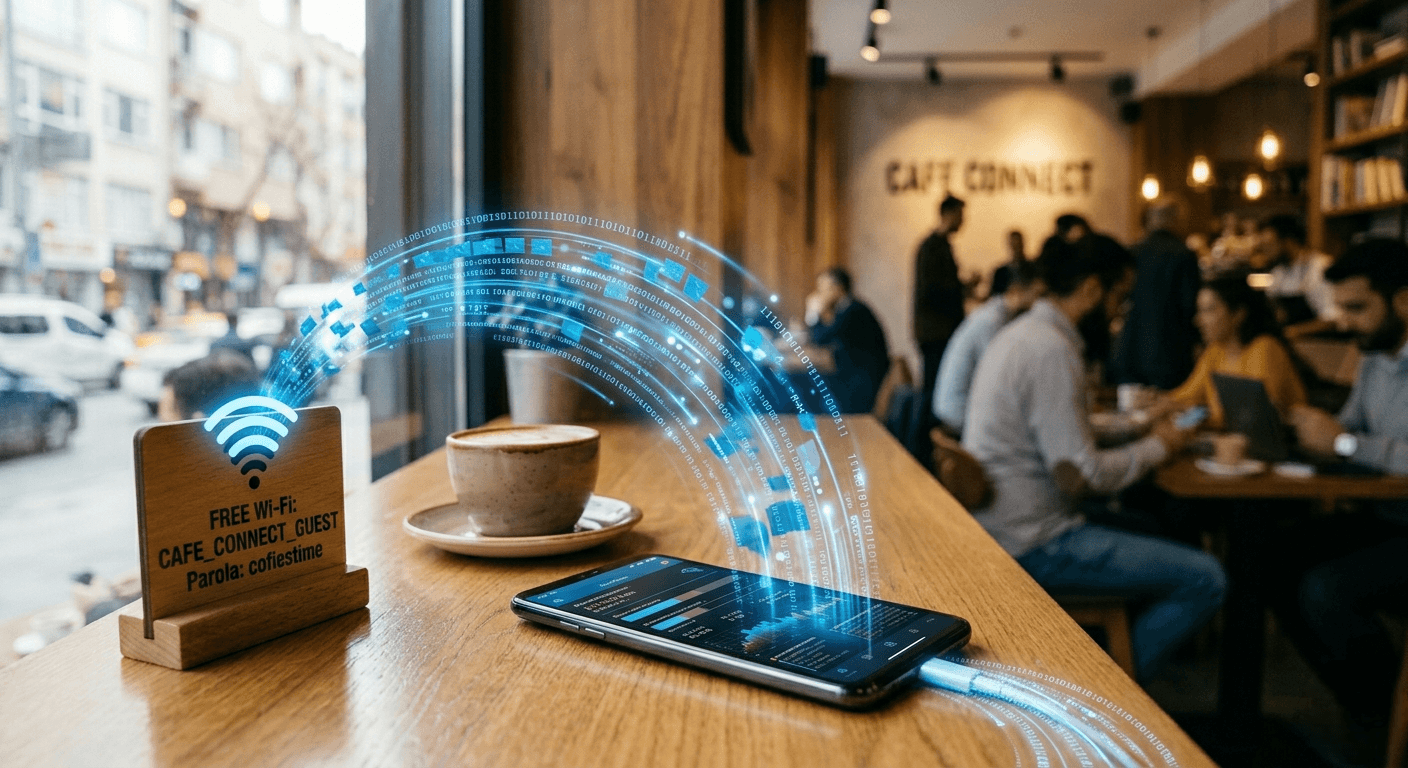
That convenient free WiFi at your local coffee shop comes with a hidden price. Cybercriminals actively hunt for victims on public networks, stealing passwords, banking credentials, and personal data in real-time. Understanding these dangers is your first line of defense.
The Man-in-the-Middle Attack
The biggest threat on unsecured networks is the Man-in-the-Middle (MITM) attack. A hacker sitting three tables away with a laptop can intercept everything you send. If you log into your bank, they watch you type your password. If you send emails, they read them. Most public WiFi networks lack encryption, meaning all data travels as plain text across the air.
Session Hijacking and Cookie Theft
Hackers don't always steal passwords. Instead, they steal the digital "cookie" that keeps you logged into email or social media. With this cookie, they gain full account access without knowing your password. A 2025 study found that hackers monitor 11 unsecured hotspots and gathered unencrypted photos, documents, emails, and credentials in plain text over just 150 hours.
Rogue WiFi Networks
Cybercriminals create fake hotspots mimicking legitimate networks. At a hotel called "Goodnight Inn," the actual WiFi might be "GoodNight Inn" with a capital N. Users connecting to the fake network unknowingly hand over all their data. Devices called "WiFi Pineapples" make these attacks trivial, available on e-commerce platforms to even amateur hackers.
Malware and Ransomware
If file sharing is enabled on your device, hackers can inject malware directly into your system without your permission. Ransomware attacks are expected to spike in 2026, targeting public networks specifically. In 2025, the United States experienced 52% of all ransomware attacks globally.
What You Should Never Do
Avoid banking, online shopping, or entering payment information on public WiFi. Sensitive account access should only happen on secure home or mobile networks. Never enter passwords, credit card numbers, or personal identification numbers on unsecured networks.
How to Stay Safe
Use a paid VPN to encrypt all your traffic. Disable auto-connect so your device doesn't automatically join risky networks. Enable two-factor authentication on every important account. Turn off file sharing before connecting. Keep your operating system and apps updated. Use only HTTPS websites. Disable the auto-connect feature and forget the network after use.
For sensitive transactions, use mobile data instead of public WiFi. The convenience isn't worth the risk to your identity and finances.
— The End —